Print #1 — The XYZ calibration cube: your printer's first report card
Your first 3D print shouldn't be impressive. It should be this cube. 20mm × 20mm × 20mm — and it tells you everything about your printer.
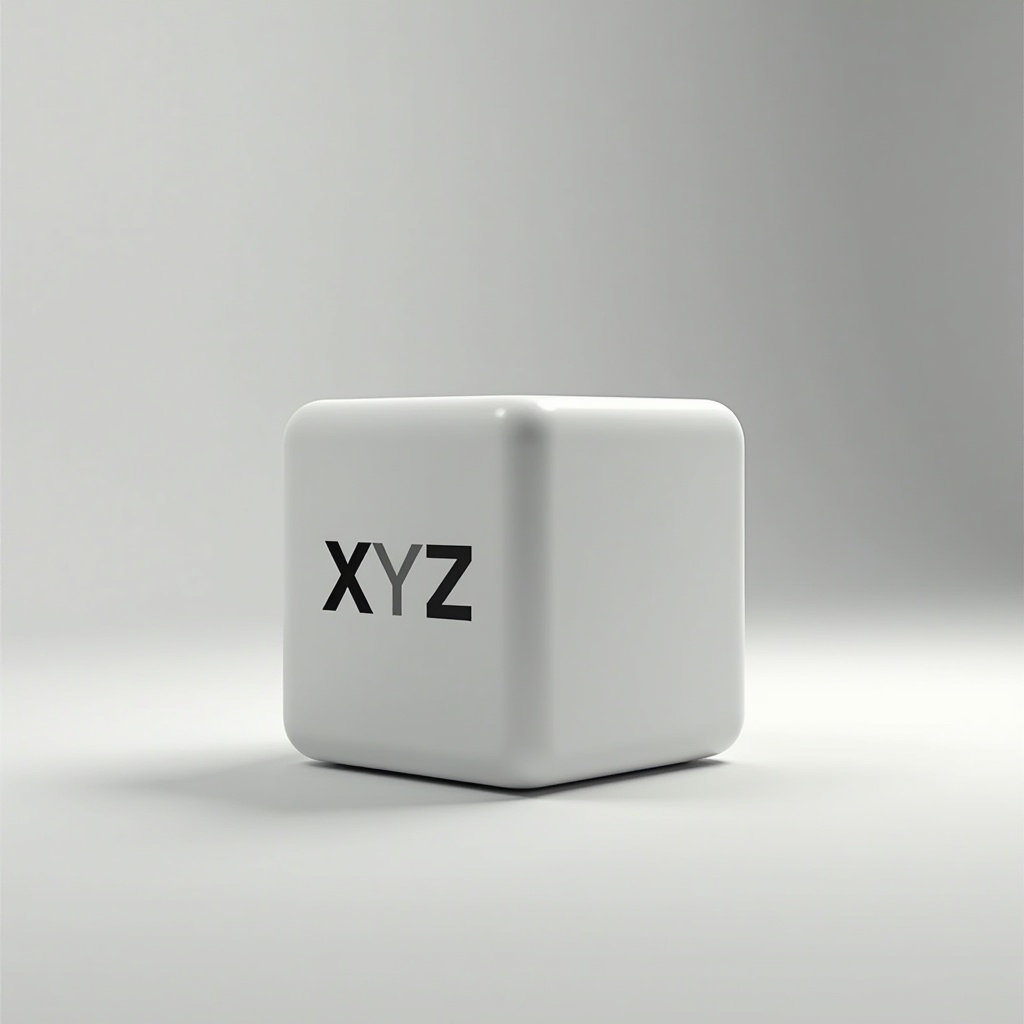
Your first 3D print shouldn't be the coolest thing you've ever seen. It should be a cube.
A boring, 20mm cube with three letters on it. No supports. No color. No drama. Because before you waste filament on anything else, you need to know: is your printer actually printing correctly?
What it is
The XYZ Calibration Cube is the industry-standard first print for a reason. It's a 20×20×20mm cube with X, Y, and Z marked on each axis. Once it's done, you pull out a caliper and measure. That's it.
The numbers tell you everything:
- All three sides should measure 20.0mm (±0.2mm is acceptable)
- X and Y off? Your steps/mm need adjustment
- Z off? Check your lead screw, your belt, or your Z-offset
- Walls too thick or too thin? Flow rate needs tuning
What you'll learn
- How to read your printer's dimensional accuracy
- What over- and under-extrusion look like in practice
- How to use a digital caliper (get one — it costs $10 and changes everything)
- What "first layer adhesion" actually means when you're watching it happen
Recommended settings
- Layer height: 0.2mm
- Infill: 20%
- Speed: 40–50mm/s
- Temperature: follow your filament's recommended range
- No brim, no supports
Reference
📹 3D Printer Calibration Revolutionised — Teaching Tech
📁 XYZ 20mm Calibration Cube — Printables
Common issues
Cube too large on X/Y: Steps/mm off — use Teaching Tech's calibration site.
Corners lifting: First layer adhesion. Clean bed, re-level, or add brim.
Z-seam visible: Normal. Adjust seam placement in slicer.
Walls stringy/gappy: Temperature or retraction — note it for later.
Ready to layer up? → Print #2: The Custom Keychain: Your First Personal Print