Print #2 — The custom keychain: your first personal print
The calibration cube proved your printer works. Now let's prove it can make something *yours*.
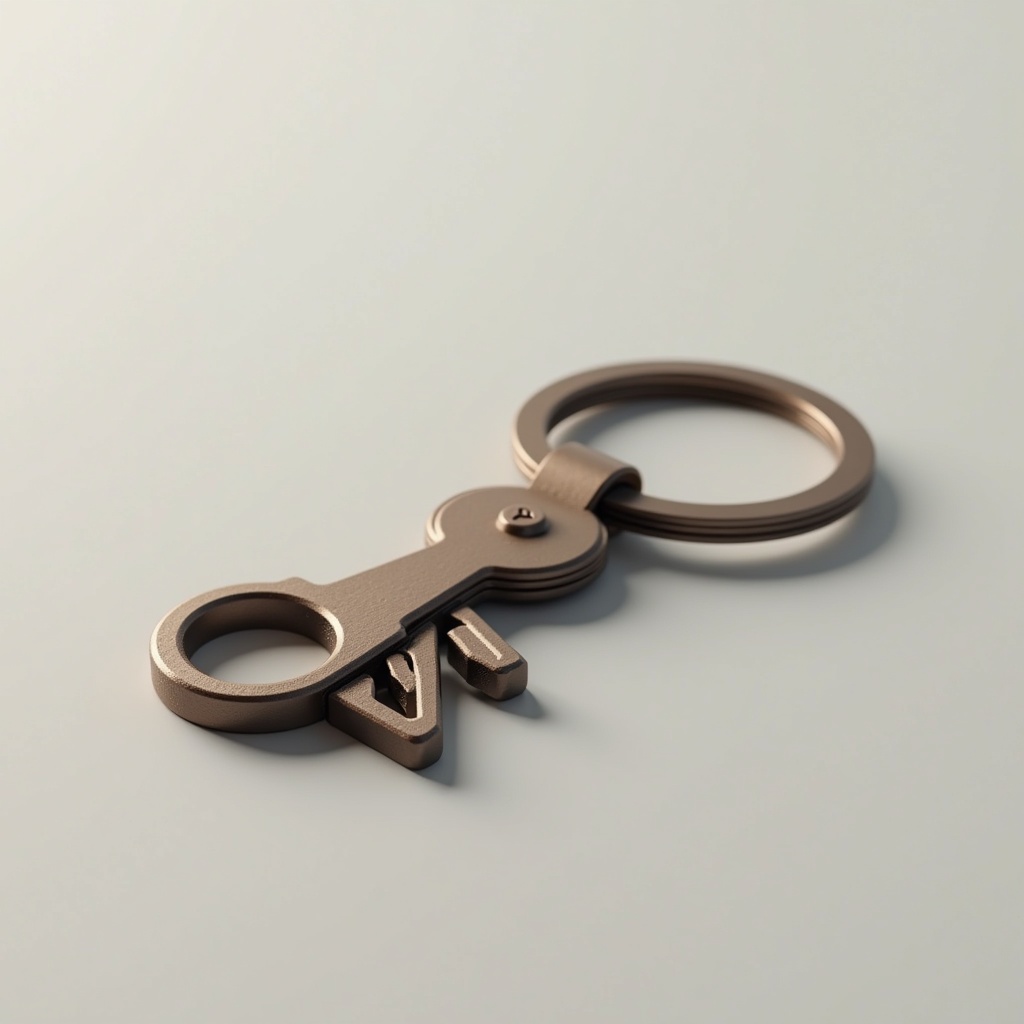
The calibration cube proved your printer works. Now let's prove it can make something yours.
The keychain is the perfect second print. It's small, it's fast, and for the first time — it has your name on it. There's something different about holding a physical object you designed or chose yourself. This is where 3D printing stops feeling like a test and starts feeling like a superpower.
Two ways to do this:
Option A — Download and print
Pick any keychain from Printables or Thingiverse. Thousands of free models: geometric shapes, logos, initials, animals. Filter by "no supports" and "beginner." Download the STL, slice it, print it.
What you learn: how to navigate model repositories, evaluate a model's print requirements, and slice a file correctly.
Option B — Design your own in Tinkercad (recommended)
Tinkercad is a free, browser-based 3D modeler. No installation. No experience needed.
In under 5 minutes, you can:
1. Open Tinkercad → New Design
2. Add a text shape → type your name or initials
3. Set height to 3mm
4. Add a cylinder hole (6mm diameter) for the keyring
5. Export as STL → slice → print
What you learn: the full pipeline from idea to physical object. This is the loop you'll repeat for the next 48 prints.
Recommended settings:
- Layer height: 0.15mm (for cleaner text detail)
- Infill: 40% (keychains take abuse — they need to be solid)
- Speed: 40mm/s
- No supports needed if you design with flat faces down
Finishing:
Add a 6mm split ring (keyring) through the hole. If the hole is too tight, a quick pass with a 6mm drill bit cleans it up. Sand the edges with 220-grit sandpaper for a cleaner feel.
What can go wrong:
- *Text is unreadable:* font too thin or layer height too high. Try 0.12mm and a bolder font.
- *Keyring hole won't fit:* model the hole at 7mm instead of 6mm (account for printer tolerance).
- *Broke at the thin letters:* increase infill to 50% or reduce the design complexity.
Why this print matters:
The keychain teaches you something the calibration cube doesn't: file selection. Not every model on Thingiverse is well-designed. Learning to spot a good model — clean geometry, no unnecessary supports, print-ready orientation — is a skill you'll use every single time.
Ready to layer up? → Print #3: The Pencil Cup: Learning to Think Hollow