Print #4 — The protective cap: welcome to the real world
The calibration cube told you your printer is accurate. Now let's use that accuracy for something real.
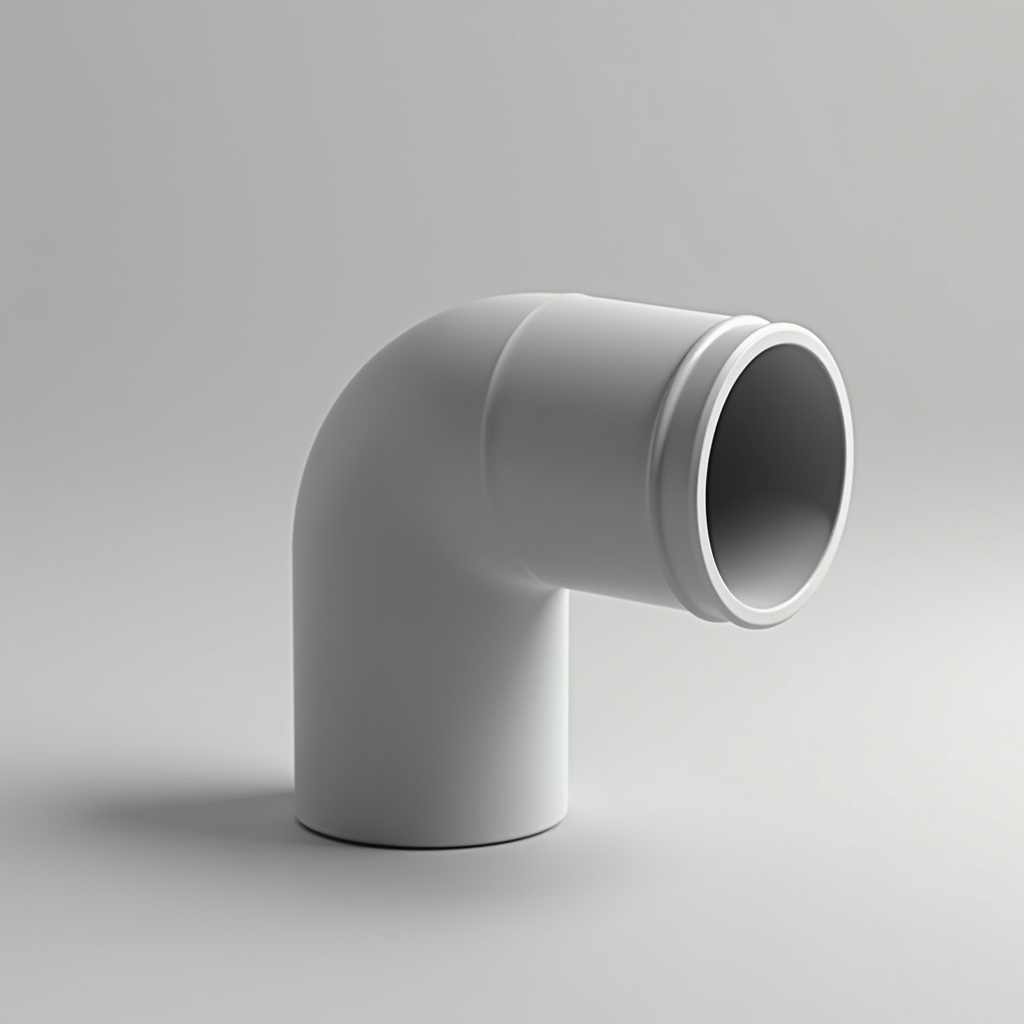
The calibration cube told you your printer is accurate. Now let's use that accuracy for something real.
The protective cap — a tube end cap, a chair leg plug, a thread protector — is the first print where a millimeter actually matters. Print it wrong and it doesn't fit. Print it right and you've just replaced something you'd normally throw in the trash or pay €5 for at a hardware store.
Why this print is a turning point:
This is the first time you'll measure a real object and make something that has to fit it. That's a fundamentally different skill from downloading an STL and pressing print.
The workflow:
1. Find an object that needs a cap (chair leg, pipe end, rod, hook)
2. Measure the diameter with a caliper (inner diameter if the cap goes inside, outer if it goes outside)
3. Add 0.2mm tolerance for a press fit, or 0.4mm for a slip fit
4. Find a parametric model on Printables (search: "parametric end cap [your diameter]mm") or model it yourself in Tinkercad in 3 minutes
Understanding tolerance:
- Press fit (tight): inner diameter of cap = outer diameter of tube. Requires force to insert. Stays put.
- Slip fit (loose): 0.4–0.5mm larger. Slides in and out easily.
- Printed fit: your printer likely prints 0.1–0.2mm smaller than modeled. Compensate accordingly — this is why the calibration cube was step one.
Recommended settings:
- Layer height: 0.15mm (precision matters here)
- Infill: 30%
- Walls: 3 perimeters minimum
- No supports if designed correctly (flat base down)
Material note:
PLA works for indoor, light-duty caps. If the cap is for something that takes knocks (tool handle, furniture leg), print in PETG — more flexible, won't crack on impact.
What can go wrong:
- *Cap is too loose:* reduce the inner diameter by 0.2mm and reprint. Takes 15 minutes.
- *Cap won't go on at all:* too tight — increase by 0.1mm. Welcome to iterative design.
- *Cap splits when you push it on:* too thin walls. Add a 4th perimeter.
Why this print matters:
The protective cap is your first encounter with parametric thinking — the idea that a design is defined by measurements, not a fixed shape. Once you internalize this, you start seeing everything around you as something you could print a replacement for.
Ready to layer up? → Print #5: The Coaster: Where Your First Layer Finally Gets Judged