Print #5 — The coaster: where your first layer finally gets judged
Until now, your prints were mostly vertical. The coaster is flat — and flat prints are unforgiving. Every flaw in your first layer is visible on the top surface. Every bed leveling issue shows up. Every temperature inconsistency leaves a mark.
Until now, your prints were mostly vertical. The coaster is flat — and flat prints are unforgiving. Every flaw in your first layer is visible on the top surface. Every bed leveling issue shows up. Every temperature inconsistency leaves a mark.
Which is exactly why it's Print #5. You've been calibrating. Now let's see the results.
What flat prints reveal:
A coaster sits face-down on your desk. Meaning: the top surface (what you see every day) is actually the first layer — the one laid directly on the bed. If your bed is perfectly level, your first layer is perfectly flat. If not, you'll know immediately.
This is the moment many beginners realize their bed calibration was "good enough" but not actually good. A coaster doesn't lie.
Choosing your model:
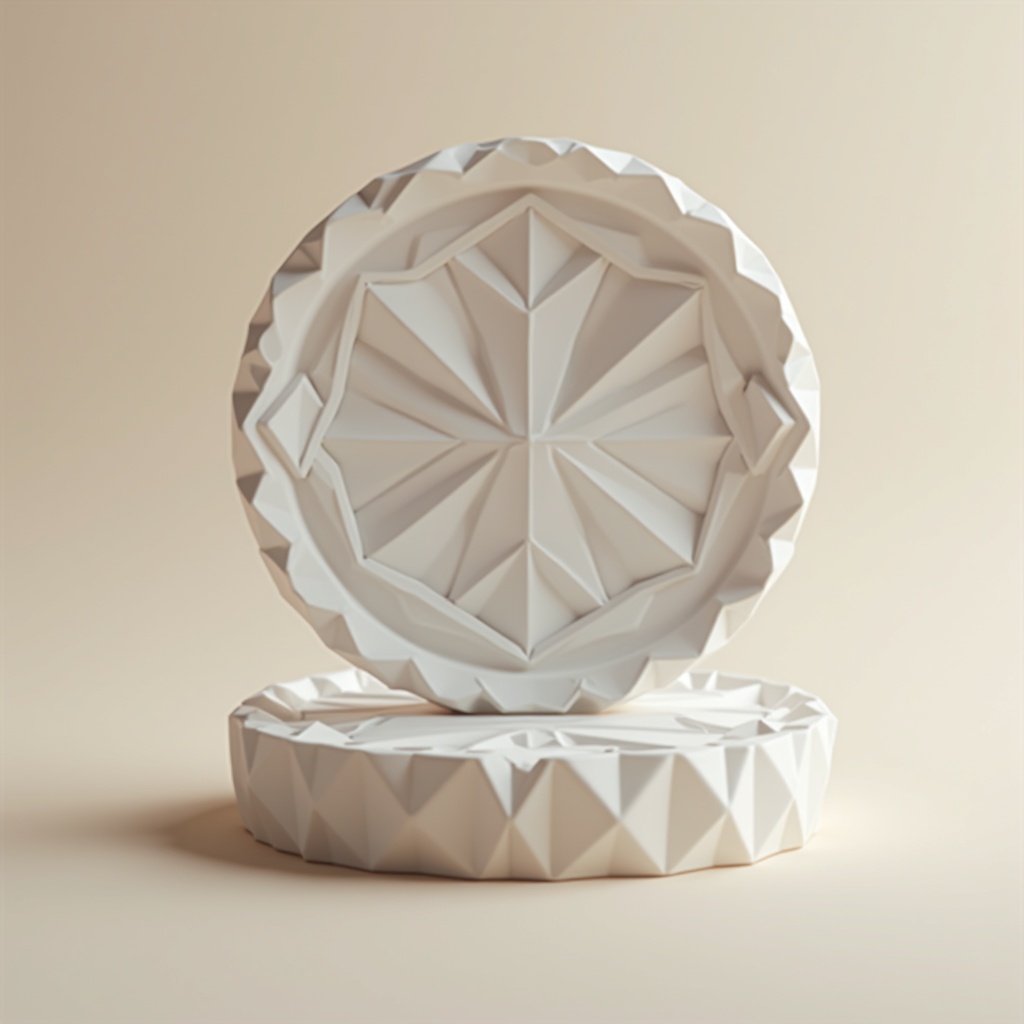
Go for geometric patterns — hexagons, diamonds, concentric circles. They:
- Look great at 0.15mm layer height
- Let texture carry the aesthetic (no painting needed)
- Print with zero supports
- Work perfectly in any single color
Avoid very thin protrusions or text on the top surface for your first coaster — those are fussier than they look.
Recommended settings:
- Layer height: 0.15mm (show off that first layer)
- Infill: 20% — enough structure, no excess
- Bottom layers: 4 (these become your display surface)
- Speed: 35mm/s for the first 3 layers, then normal speed
- First layer height: 0.2mm (slightly thicker for adhesion)
The finishing touch:
Glue 4 small felt or rubber pads to the bottom (the "top" as printed). Instant premium feel. Without them, a PLA coaster will scratch surfaces and slide. With them: a gift-worthy object.
What can go wrong:
- *Wavy or uneven top surface:* bed leveling issue. Re-level and reprint.
- *Lines visible between infill and perimeters:* reduce print speed or increase overlap in slicer settings.
- *Coaster is slightly concave (lifts at edges):* warping. Add a 5mm brim or lower first layer speed.
Why this print matters:
The coaster is your first aesthetic benchmark. You'll want to display it. And if you don't — you'll know exactly what to fix. That's the best kind of feedback.
Ready to layer up? → Print #6: The Mini Storage Tray: Going Bigger, Fighting Warping