Print #8 — Cable clips: the art of printing in batches
Cable clips are the perfect batch print. Each one takes 10–15 minutes and uses almost no filament. But you need 10 of them to make a real difference on your desk.
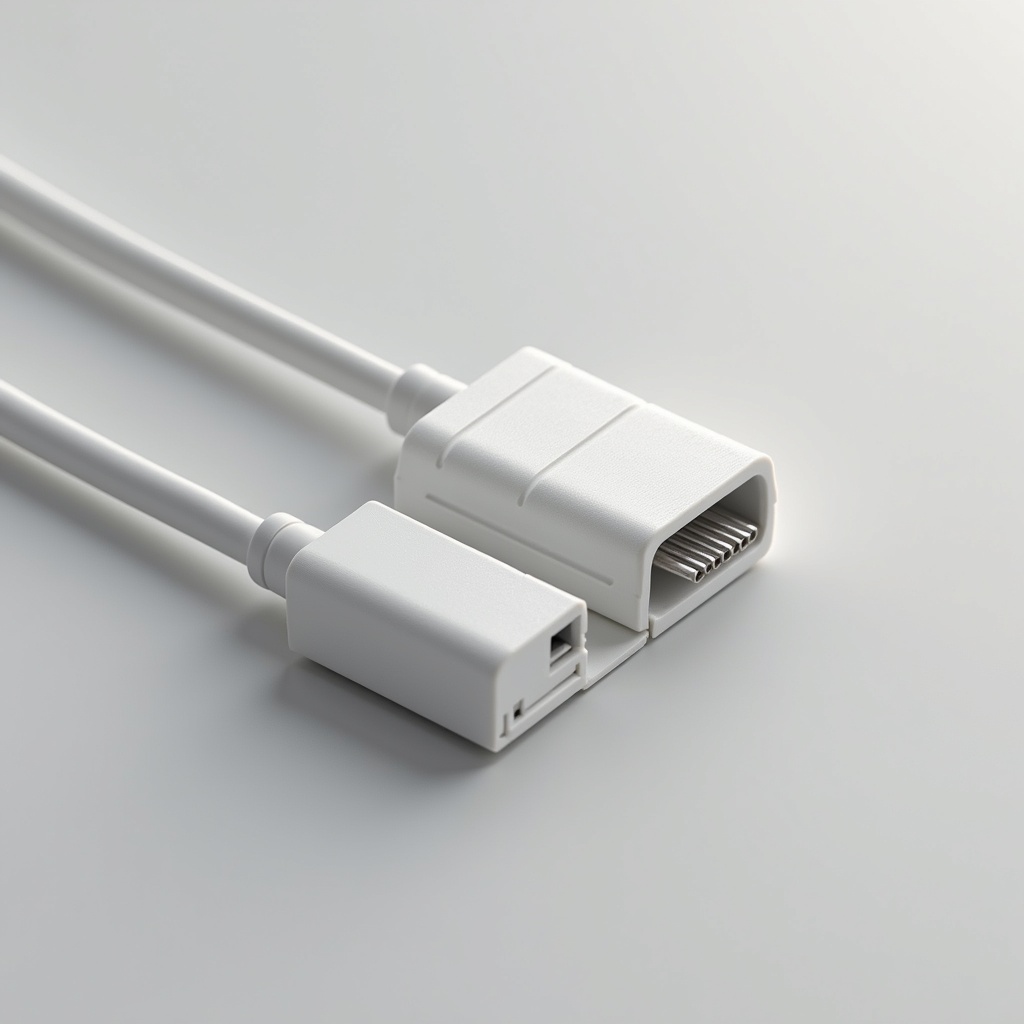
Cable clips are the perfect batch print. Each one takes 10–15 minutes and uses almost no filament. But you need 10 of them to make a real difference on your desk.
Print #8 introduces two concepts that will change how you approach the printer: batch printing (multiple copies on one plate) and functional tolerance (snap fits that actually snap).
Batch printing — the basics:
Instead of printing one clip and starting the next, you place 6–10 copies on your build plate and print them simultaneously. Same print time (roughly), 6–10 clips.
The catch: if one clip fails mid-print (detaches, clogs, strings), the whole plate is affected. So batch printing teaches you to be confident in your settings first. Run one clip solo, verify it's perfect — then scale up.
Snap fit tolerance:
Most cable clips use a snap-fit mechanism — a flexible arm that clips over a cable. The gap must be:
- Wide enough that the cable goes in without destroying the clip
- Narrow enough that it actually holds
The difference between "too loose" and "perfect" is often 0.3–0.5mm. This is where your printer's calibration pays off.
Cable diameter sizing:
USB-C: ~8mm · HDMI: ~12mm · Ethernet: ~7mm · Power brick: ~10–14mm
Most parametric cable clip models on Printables let you set the diameter. Download, adjust the parameter, export, print.
Recommended settings:
- Layer height: 0.2mm
- Infill: 25% (clips flex — too low infill and they snap)
- Walls: 3 perimeters minimum
- No supports (design snap arms to print without)
- Print 6–8 on one plate
Mounting options:
- Adhesive strip (3M Command strips work well on PLA)
- Screw mount (drill a small hole in the clip, screw to desk edge)
- Zip tie slot (design with a slot for a zip tie — the strongest option)
What can go wrong:
- *Snap arm breaks on first use:* too little infill or too thin walls. Increase both.
- *Cable won't click in:* gap too tight — increase cable diameter parameter by 0.5mm.
- *Prints detach from plate in batch:* reduce plate count, add per-part brim.
Why this print matters:
Batch printing is a multiplier. Once you know how to fill a plate efficiently, your printer stops feeling like a slow toy and starts feeling like a small production tool. A full day of batch printing can transform a messy desk into a cable-managed workspace.
Ready to layer up? → Print #9: The Phone Stand: Learning to Beat Gravity