Print #11 — The box with lid: the first time dimensions actually lie
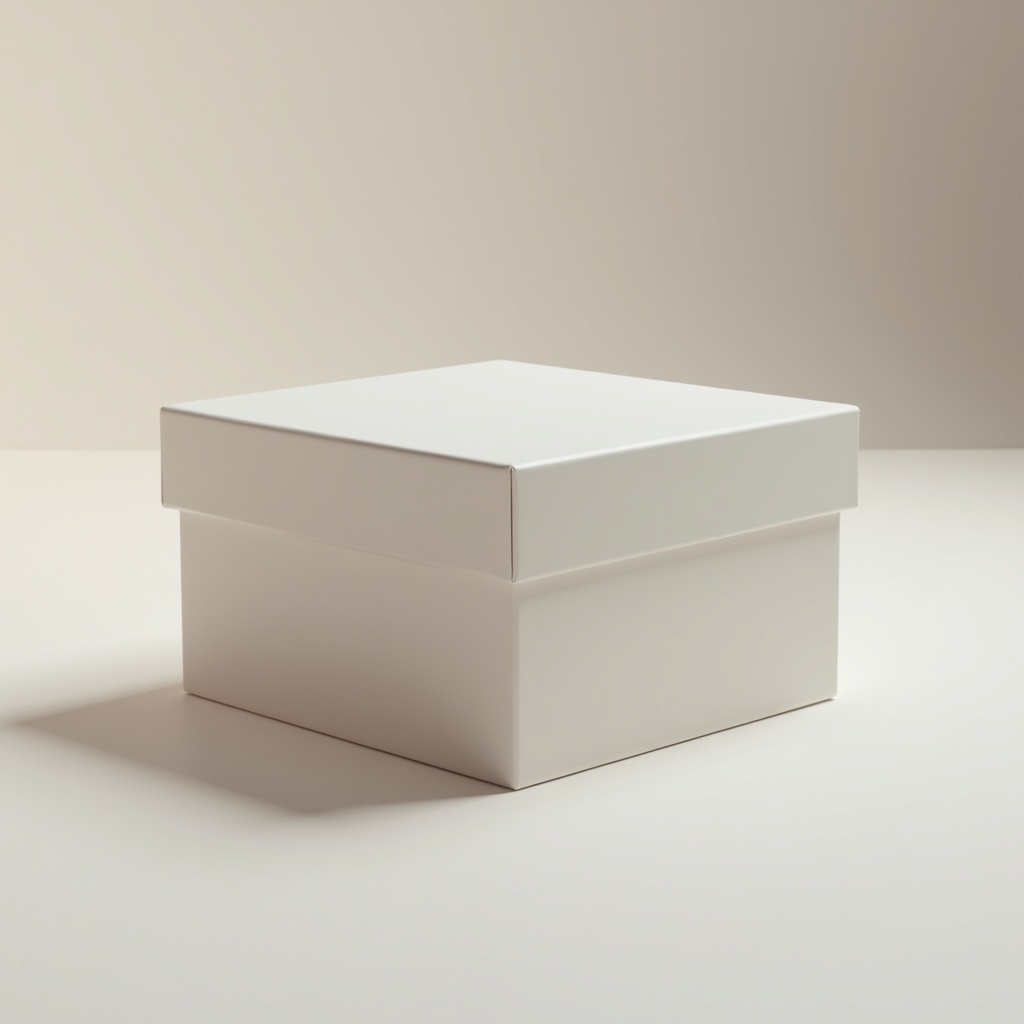
Title: Print #11 — The Box with Lid: The First Time Dimensions Actually Lie
Your CAD file says the lid is exactly 100mm wide. The base is exactly 100mm wide. Mathematically, it should fit.
It doesn't.
You push. It won't go. Or it drops right through. Welcome to mechanical tolerances — the concept that separates decorative printing from functional printing.
Why 3D printing doesn't respect your dimensions: FDM printers deposit molten plastic that cools and contracts. The extruder slightly over-extrudes. The nozzle has a real diameter. Material shrinks. All of this means your printed part is never exactly the CAD dimension — it's typically 0.1–0.3mm larger or smaller depending on your printer, material, and settings.
For a vase or a figurine, this doesn't matter. For a box and lid that need to mate? It matters a lot.
The two types of fit:
- Press fit (friction fit): The lid slides on with light pressure and stays put without any locking mechanism. Needs ~0.2mm clearance between lid inner diameter and box outer diameter.
- Snap fit: A small flexible tab clicks into a groove. Needs exactly the right geometry — print too tight and it breaks, too loose and it doesn't hold.
- Loose fit: Lid just drops on, no friction. Needs 0.4–0.6mm clearance. Good for lids you open constantly.
The tolerance test — do this before printing your final box: Print a small 20mm test cube and measure it with calipers (or a ruler if that's all you have). If your printer consistently prints 0.2mm large, you know to subtract 0.2mm from mating dimensions in your model — or simply increase the clearance gap in the file's parameters.
This is called dialing in your printer's tolerance profile. Every printer is slightly different.
Parametric files are your friend: The best box-with-lid models on Printables and Thingiverse are parametric — you enter your dimensions (width, depth, height, clearance) and the model adjusts. No CAD software required. Just find a parametric model, enter your numbers in the Customizer, and download.
Common clearance values (starting points for PLA):
- Tight press fit: 0.1–0.15mm gap
- Normal press fit: 0.2mm gap
- Loose/easy fit: 0.4mm gap
- Snap fit (flexible): 0.3mm gap + designed flex tab
Recommended settings:
- Layer height: 0.2mm
- Infill: 20% (box doesn't need more — it's a container)
- Walls: 3 perimeters for stiffness
- Top/bottom layers: 4
- Supports: none (design the box to not need them)
- Speed: 40–50mm/s for better dimensional accuracy
Print orientation matters: Print the box base flat on the bed, opening up. Print the lid flat on the bed, also opening up (upside down on the bed). This maximizes surface quality and accuracy on the mating surfaces.
What can go wrong:
- Lid won't fit at all: clearance is too tight — increase gap by 0.1–0.2mm in the parametric file and reprint just the lid (not the whole box).
- Lid falls off: clearance too loose — reduce gap or add a snap feature.
- Lid fits, but top surface is rough: top layers are insufficient — increase to 5 top layers, or reduce layer height on the final passes.
Why this is the most important Level 2 lesson: Once you understand tolerances, a whole world opens up: hinges, clips, interlocking parts, snap-together assemblies. Everything that connects to something else needs clearance. 0.2mm is almost invisible to the eye. To a 3D printer, it's the difference between functional and useless.
Ready to layer up? → Print #12: The Rotating Spice Rack: Round Objects, Real Challenges