Print #20 — The replacement part: reverse engineering your way to a repair
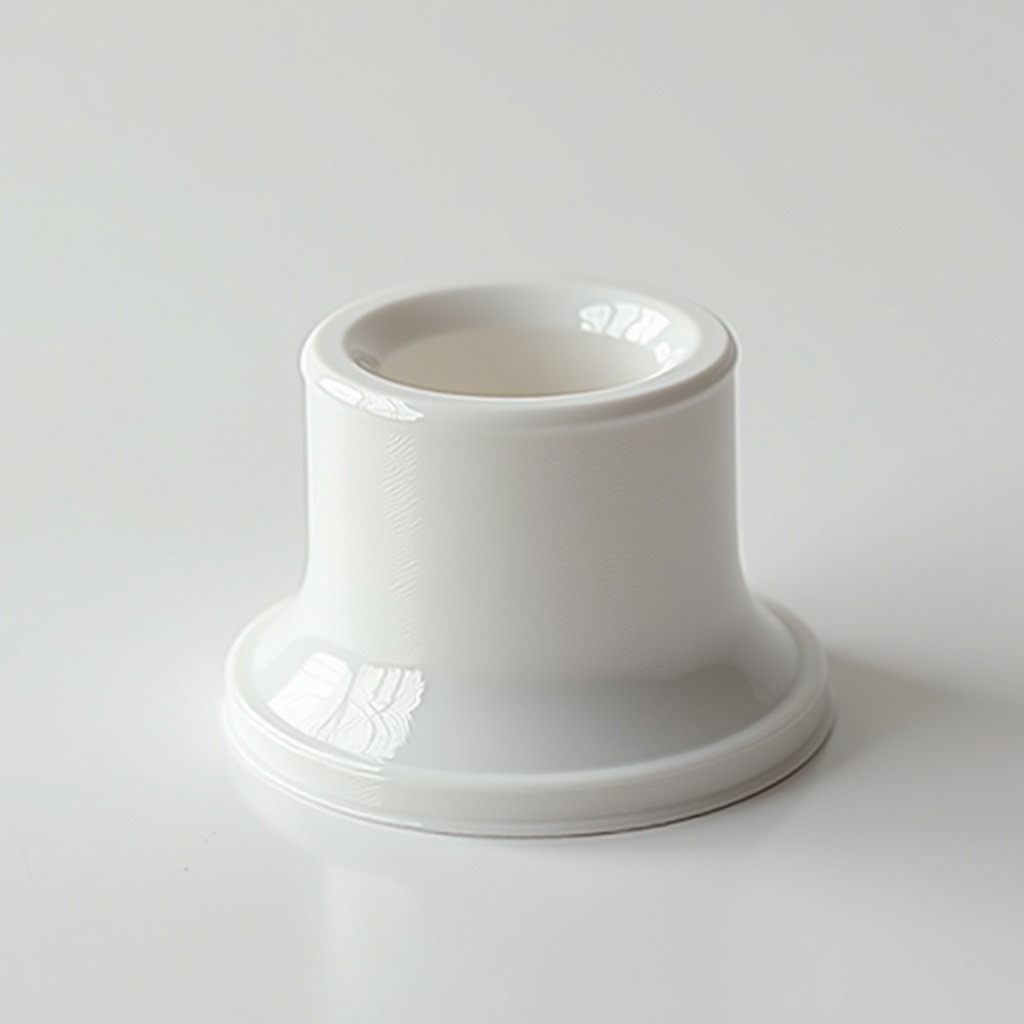
Title: Print #20 — The Replacement Part: Reverse Engineering Your Way to a Repair
Something in your home broke. A clip, a tray wheel, a handle tab, a button cap. The manufacturer wants €40 for a part that costs 10 cents in plastic — or doesn't sell it at all.
This is where 3D printing stops being a hobby and starts being genuinely useful.
Print #20 teaches the methodology of sourcing or creating replacement parts — a skill that pays back the cost of your printer many times over.
Step 1: Search before you model Before reaching for calipers and CAD software, search. The 3D printing community has printed millions of replacement parts:
- Search Printables, Thingiverse, MakerWorld with the brand name + part description + "replacement"
- Add the model number of your appliance to the search
- Check the comments — users often share photos of successful prints
Good search example: "Bosch dishwasher basket wheel replacement" or "Miele handle tab clip"
If you find a matching file, download and check: read the comments, check the dimensions mentioned, and see if someone has already confirmed fit.
Step 2: Measure the broken part (or its housing) If no file exists, you need to measure. Tools:
- Digital calipers (essential — €10 at any hardware store): measure internal diameter, external diameter, thickness, height, hole positions
- Ruler: overall dimensions if calipers can't reach
- Piece of paper + pencil: trace the profile of the part if it's complex
What to measure:
- Overall envelope (length × width × height)
- Wall thickness
- Any through-holes: diameter + position from a reference edge
- Any snap features: the tab height and undercut depth
- Any thread: measure with thread gauges or look up the appliance model's standard thread spec
Step 3: Model it (if needed) Simple replacement parts — clips, tabs, caps, wheels — are excellent beginner CAD projects:
- Fusion 360 (free for personal use), FreeCAD (open source), or Tinkercad (browser-based, simplest)
- Start with a basic extrusion of the outer profile
- Cut holes and features from there
- Export as STL
The tolerance question: The most common failure in replacement parts is dimensional mismatch. 3D printed parts are usually 0.1–0.3mm larger than modeled due to material expansion and elephant's foot. Apply tolerances:
- For press-fit (e.g., wheel on axle): model the bore 0.3–0.4mm larger than the axle
- For snap-fit: model 0.1–0.2mm of interference on the snap tab
- For screw holes: model 0.3mm smaller than the screw diameter if you want the screw to self-tap; match the screw diameter exactly if using a heat-set insert
Material choice for replacement parts:
- PLA+: good for interior, low-stress parts (clips, caps, knobs)
- PETG: preferred for anything near heat (dishwasher, oven edge, dryer), moisture, or sustained load
- ASA/ABS: for parts in high-temperature zones or outdoor equipment
Print settings for functional replacement parts:
- Layer height: 0.1–0.15mm for high-precision parts; 0.2mm for less critical geometry
- Infill: 30–40% for decorative/low stress; 50–60% for load-bearing parts
- Walls: 4–5 perimeters (replacement parts need structural integrity)
- Supports: use if needed — getting the geometry right matters more than avoiding supports
What can go wrong:
- Part doesn't fit (too large): print shrinkage or dimensional error — measure the actual print and adjust model by the difference
- Snap-fit breaks after 2 uses: walls too thin or snap undercut too deep — increase wall count; reduce snap interference by 0.1mm
- PETG threads strip after repeated use: use a heat-set threaded insert instead of printing threads directly
The bigger lesson: A broken appliance is a reverse engineering puzzle. Every time you fix something with a printed part, you learn measurement precision, tolerance design, and material selection. After ten repair prints, you'll assess any broken object and know whether you can fix it — that's a valuable skill.
Ready to layer up? → Print #21: TPU Bracelet or Ring