Print #22 — Figurine or bust: the art of supports
Until now, your 3D printer has been building structures that logically stack on top of each other. But the real world—and especially organic...
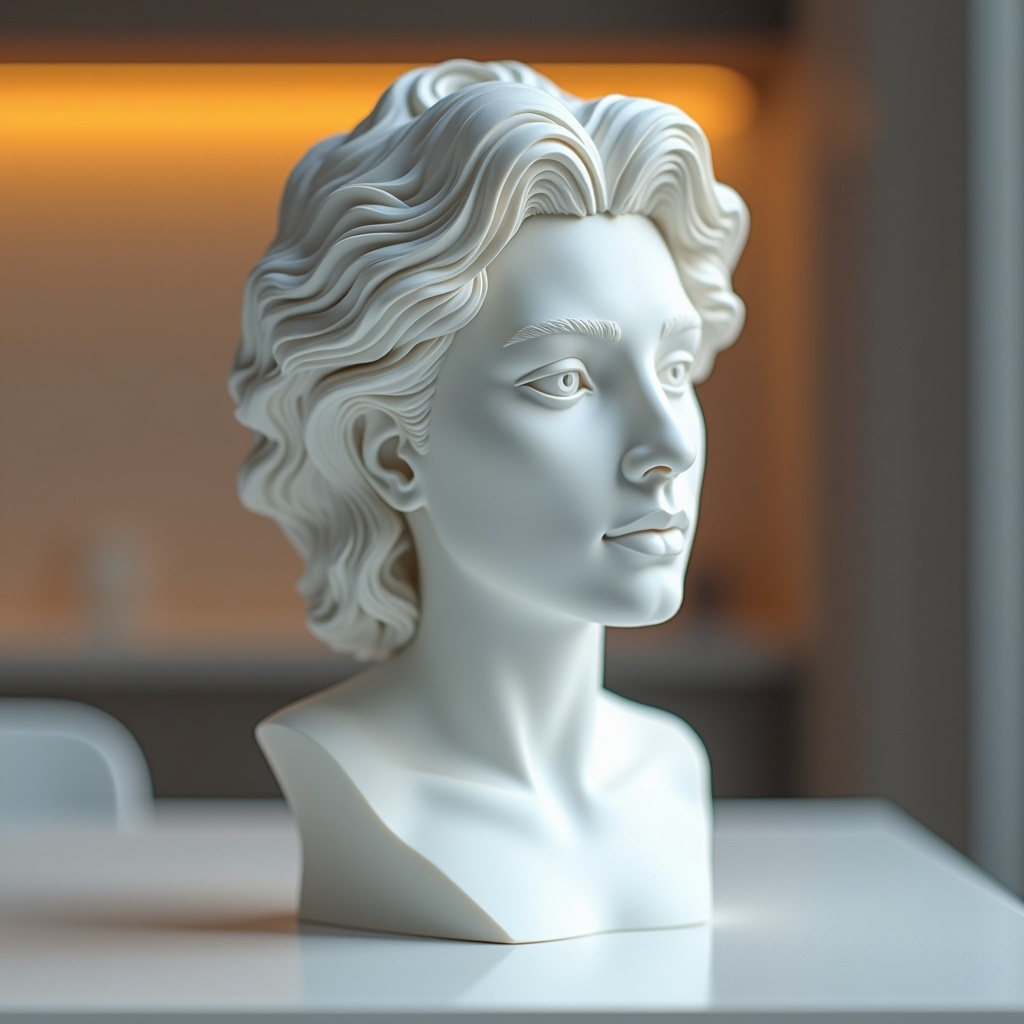
Until now, your 3D printer has been building structures that logically stack on top of each other. But the real world—and especially organic, artistic models—doesn't follow simple geometry. Outstretched arms, jutting chins, and complex clothing folds all defy gravity. Your printer cannot extrude plastic into thin air. Welcome to the world of supports.
Printing a highly detailed figurine or bust is the ultimate test of your machine's cooling and your own patience. It’s no longer just about making a functional block; it's an exercise in temporary scaffolding. The true challenge isn't merely generating supports, but tuning the delicate interface where that scaffold meets your model, allowing it to break away cleanly without scarring the final surface.
The concept: Overhangs and Interfaces
When an angle exceeds roughly 45 to 50 degrees, the printer requires a foundation to lay the next layer. Modern slicers offer "Tree" or "Organic" supports, which grow like branches from the build plate, wrapping around the model to support only the necessary islands. They save plastic and are significantly easier to remove than traditional grid supports.
Recommended settings
- Layer height: 0.12mm (for fine organic details).
- Supports: Enabled (choose Tree/Organic).
- Support Z-Distance: 0.2mm (this is the magic gap that allows the support to snap off cleanly).
- Support Interface: Enable "Support Roofs" for a smoother finish on the underside of overhangs.
- Cooling: 100% part cooling fan to freeze the overhangs instantly.
What can go wrong
- Fused supports: The supports merge completely with the model and require pliers and sanding to remove. Fix: Your Z-distance is too tight. Increase it to 0.2mm or 0.25mm.
- Rough, ugly undersides: The skin resting on the supports looks like spaghetti. Fix: Ensure "Support Interface" or "Support Roof" is turned on to create a dense platform right below the model.
- Knocked-over tree supports: Tall, thin tree supports break mid-print. Fix: Use a brim specifically for the supports to anchor them firmly to the bed.
Why this print matters
Mastering supports liberates you from the constraint of "printability." You no longer have to restrict yourself to flat, geometric shapes or models specifically cut into pieces. By conquering the art of temporary scaffolding, the entire catalog of complex, organic, and artistic 3D models is now open to you.
References
📁 Nefertiti Bust Replica on Printables:
Ready to layer up? → Print #23: Geometric Planter