Print #23 — Geometric Planter: Design through Utility
Have you ever stared at a print and been hypnotized by the steady, continuous flow of plastic? That mesmerizing process is what happens when...
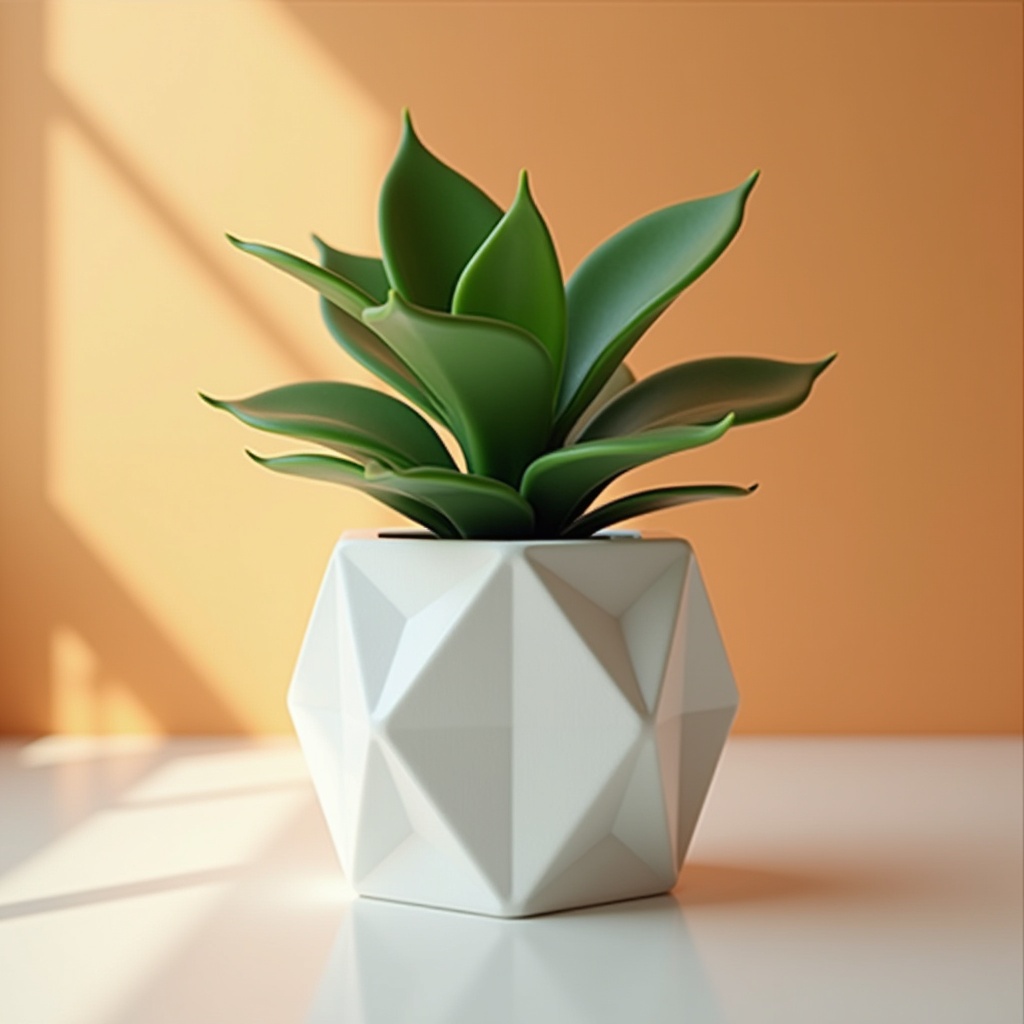
Have you ever stared at a print and been hypnotized by the steady, continuous flow of plastic? That mesmerizing process is what happens when you unlock your slicer's hidden superpower: Vase Mode (also known as Spiralize Outer Contour).
Printing a geometric planter isn't just about giving your succulents a stylish home; it's a masterclass in continuous extrusion. Instead of the nozzle lifting, moving, and starting a new layer, it moves upward in a continuous spiral. This results in a single-wall object that prints incredibly fast, has zero visible seams, and looks breathtakingly professional.
The concept: Vase Mode and Watertightness
Vase mode turns a solid block into a thin, hollow shell. Because it’s only a single perimeter thick, the strength comes entirely from the geometry of the model. This is why low-poly and deeply textured designs thrive here—the folds and angles act as structural ribs. But achieving a watertight print with a single wall requires dialing in your temperature and extrusion multiplier.
Recommended settings
- Material: PETG is highly recommended if you plan to put wet soil inside.
- Layer height: 0.2mm (or even 0.28mm for a chunky, fast print).
- Vase Mode: Enabled (Search for "Spiralize Outer Contour" in Cura or "Spiral Vase" in PrusaSlicer).
- Line width: Increase this slightly (e.g., from 0.4mm to 0.6mm even on a 0.4mm nozzle) to force more plastic out and bond the layers better for waterproofing.
- Bottom layers: 4 to 5 solid bottom layers to ensure the base doesn't leak.
What can go wrong
- Water leaking through the sides: The layer adhesion isn't perfect. Fix: Bump up your hotend temperature by 5-10°C to ensure the plastic melts together completely, and increase your extrusion multiplier slightly.
- Model has a "lid": Slicer refuses to vase mode properly. Fix: Vase mode only works on models designed to be solid objects without complex internal cavities.
- Flimsy walls: The pot crushes easily. Fix: You need a wider line width, or you must abandon vase mode and just print normally with 0% infill and 2 walls.
Why this print matters
Vase mode forces you to understand the relationship between your nozzle size, layer height, and the actual physical flow of plastic. By mastering this technique, you can produce large, stunning, and functional display pieces in a fraction of the time it would take to print a standard hollow object.
References
📁 Low Poly Planter on Printables:
Ready to layer up? → Print #24: LED Diffuser Lamp